
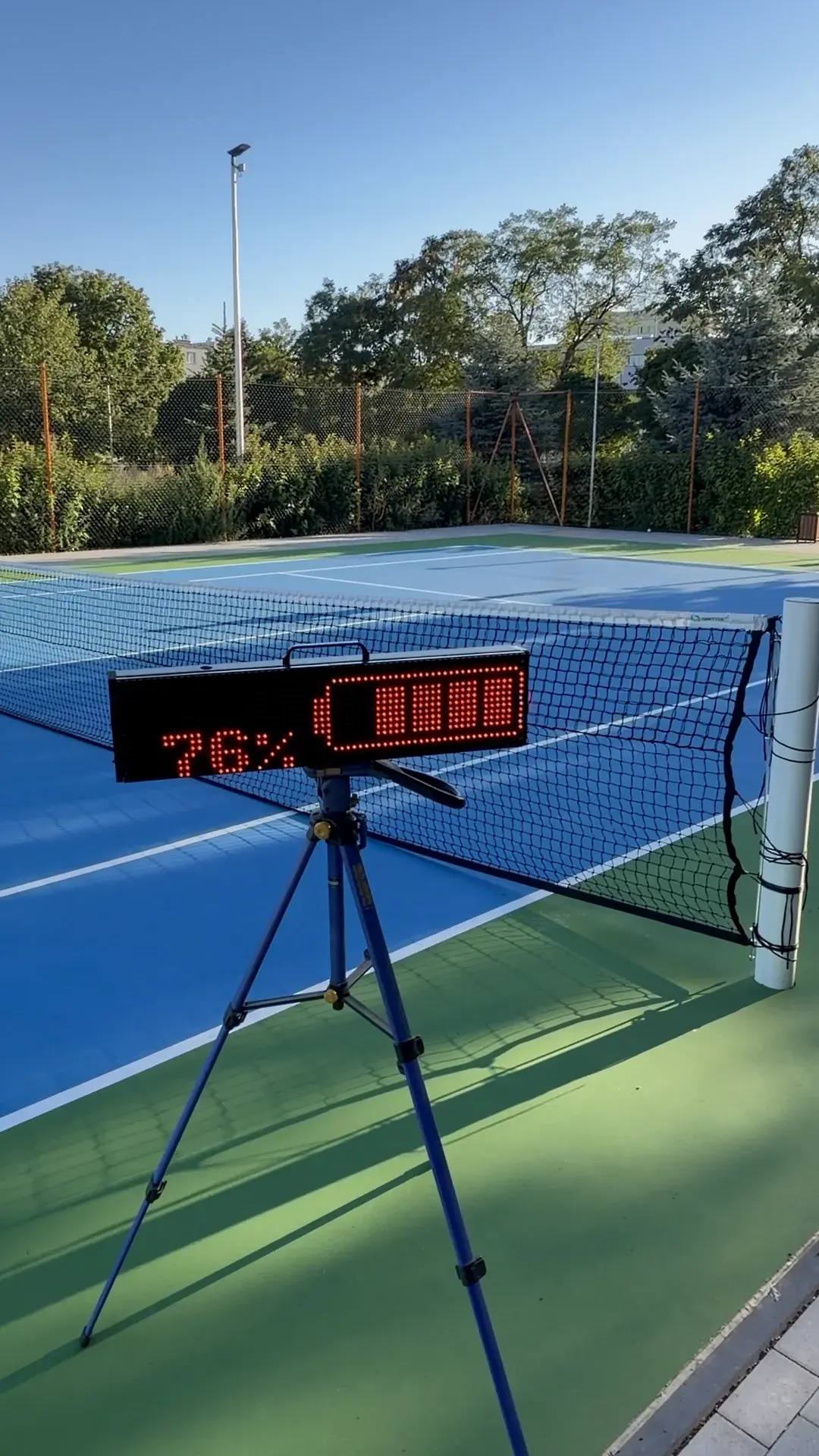
BATTERY
Power for a full day of play
Run cable-free for 6–8 hours in strong sunlight or 20–25 hours indoors. Connect the power supply whenever it is available.
A portable LED tennis scoreboard controlled from your phone. Place it beside any court, connect directly, and keep score without Internet access or permanent installation.
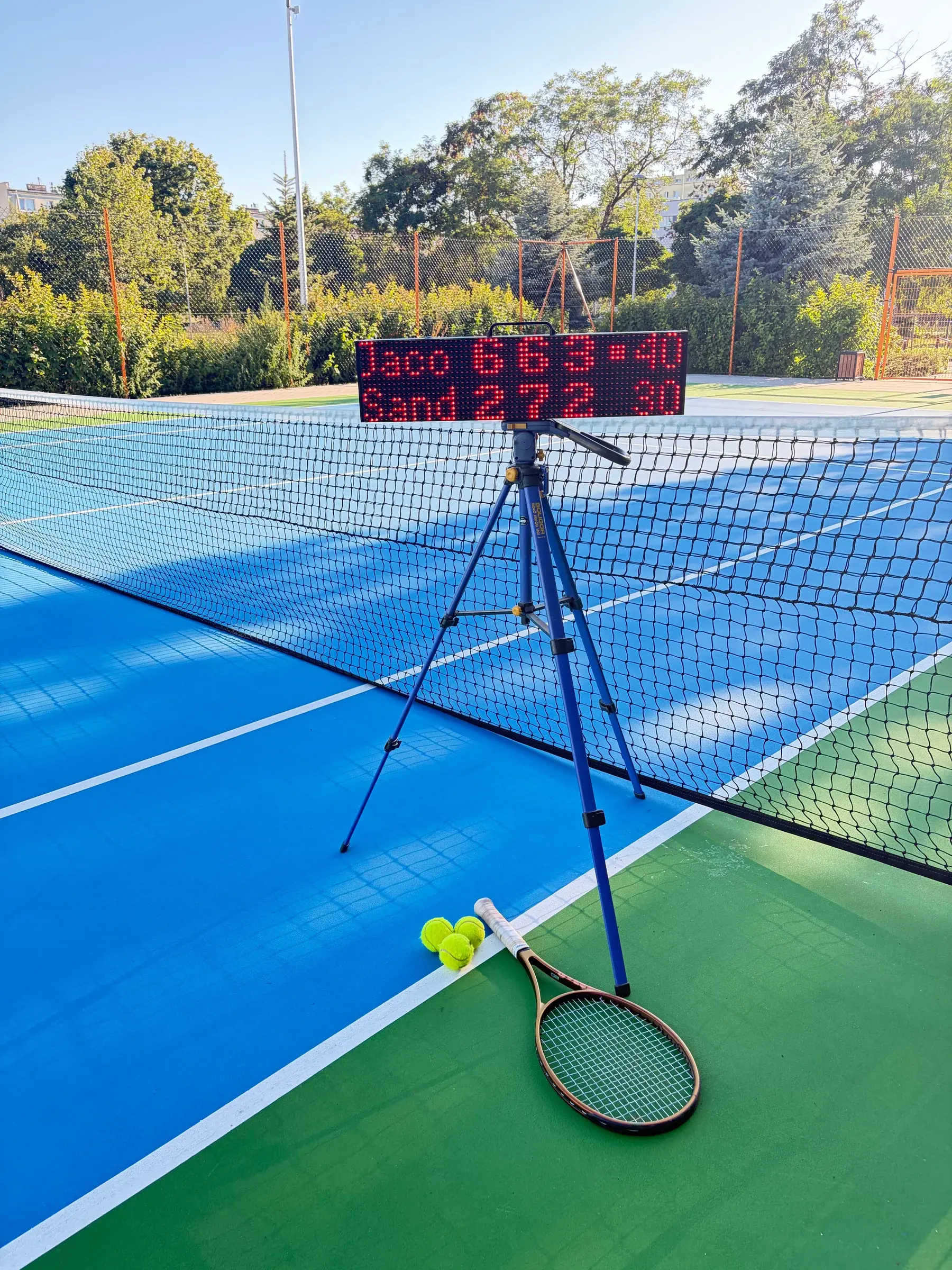
See how ScreenBattle presents the score during play and fits into a real courtside setup.
Each score change appears directly on the display, keeping the current match state visible from across the court.
A real ScreenBattle unit in use on courtScreenBattle gives players a clear score and lets clubs place the scoreboard where it is needed — without permanent installation or additional infrastructure.
Run cable-free for 6–8 hours in strong sunlight or 20–25 hours indoors. Connect the power supply whenever it is available.
A carrying handle and low weight make it easier to move the unit between courts without extra operating staff.
The phone connects directly to the local Wi-Fi created by the scoreboard, so scoring does not depend on the club network.
The app handles names, points, games, and sets while following the selected match format.
ScreenBattle can be set up without permanent court infrastructure or a dedicated scoring console.
Set up the hardware, connect locally, and let the app follow the selected tennis rules while the LED scoreboard displays the current score.
Place ScreenBattle courtside and switch it on. During play, the scoreboard can run cable-free from its battery or with power connected.
Connect your phone to ScreenBattle's local Wi-Fi, enter player names, and choose the match rules.
Record each point in the app. ScreenBattle calculates games and sets and updates the LED display.
One place to configure the match, record points, and control the scoreboard. No separate console and no manual calculation of games or sets.
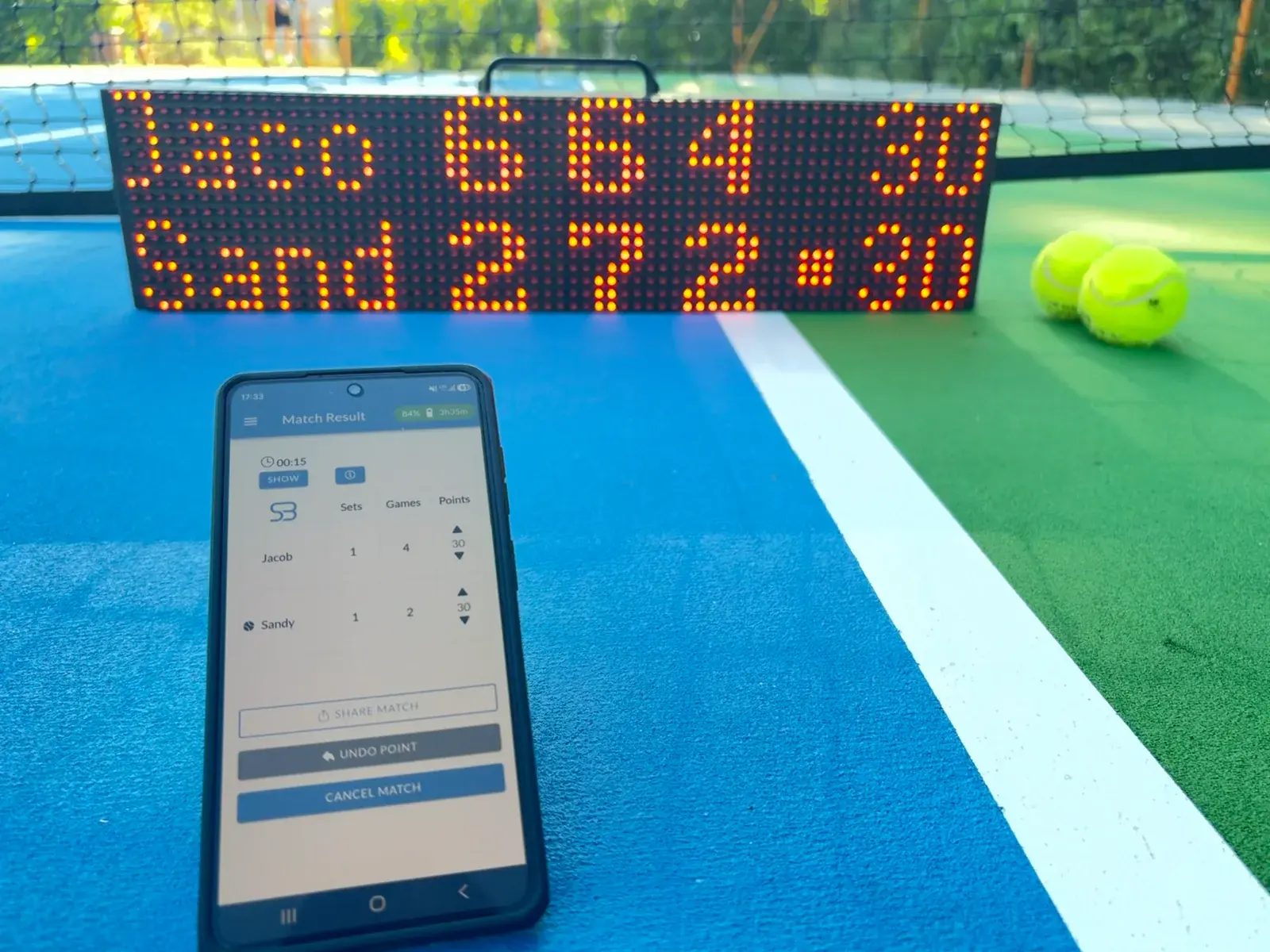
Connect the phone to ScreenBattle's local network and start without an account or Internet access.
Enter the player names, select the format, and choose the game rules before the first serve.
Record each point. The app calculates games and sets while the scoreboard immediately shows the current match state.
Adjust brightness and review the information the operator needs while the unit is in use.


A portable build, operation from the battery or connected power, and brightness that adapts to the surroundings let ScreenBattle follow the changing rhythm of a club or tournament day.
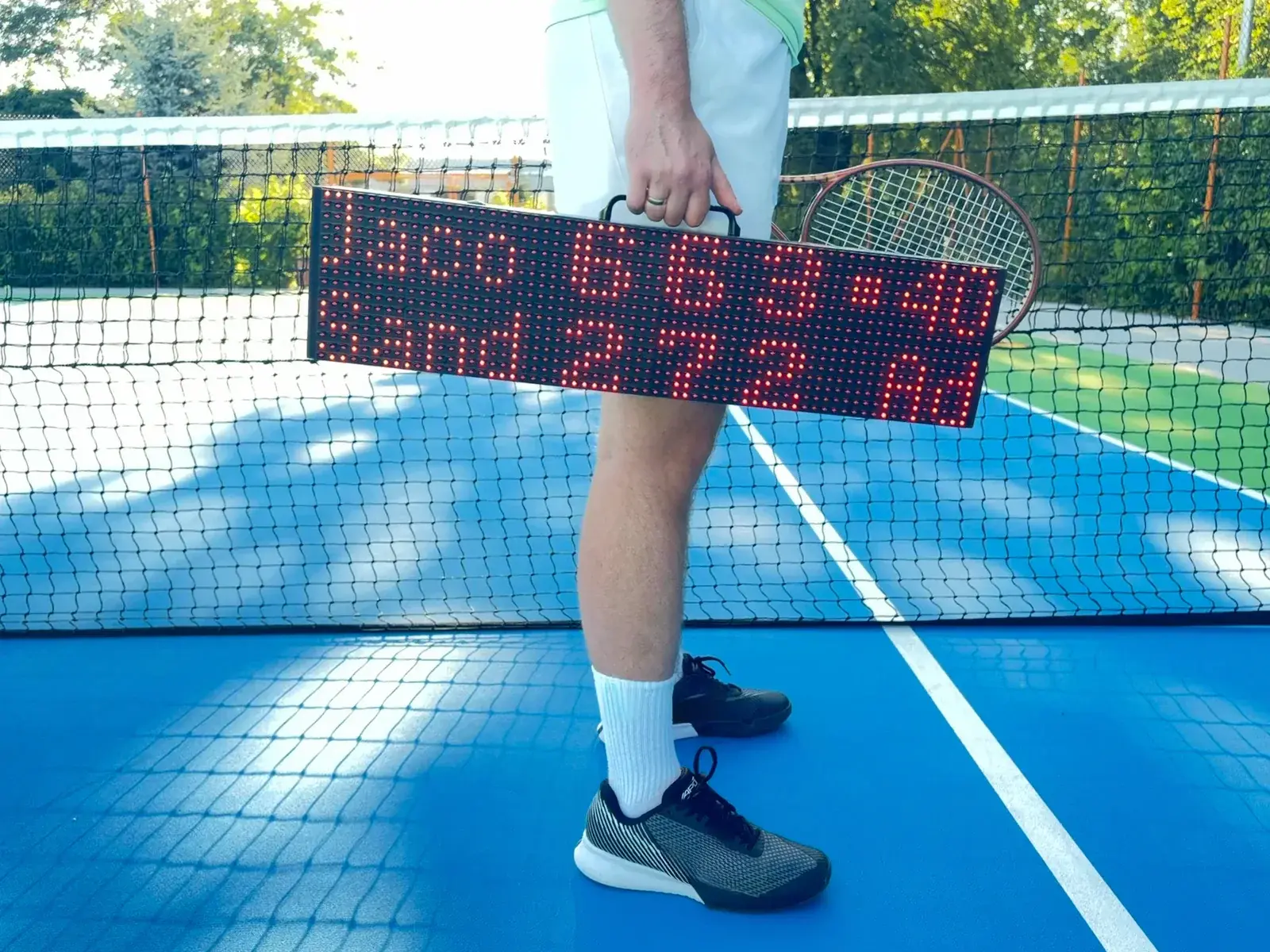
The integrated handle and lack of permanent installation make it easier to change courts between matches.
The display operates at high brightness in demanding light conditions.
Under indoor or artificial lighting, the display can operate at a lower brightness.
ScreenBattle brings a clear score to the court without expanding permanent infrastructure, making it useful wherever several matches need to be organised efficiently.
Move the scoreboard between courts and give players a clear, professional score without permanent installation.
Create a consistent score presentation on selected courts and adapt the setup quickly as the event schedule changes.
Use the display for practice matches, internal leagues, and sessions where players benefit from following the match state.
Key specifications for the ScreenBattle scoreboard.
Key information for clubs, academies, tournament organisers, and event teams.
No. The scoreboard creates its own local Wi-Fi network, and the phone connects directly to it. Core match operation does not depend on Internet access, a club router, a user account, or a cloud backend.
The mobile app is used to enter player names, select the match rules, and record each point. The current score is sent directly to the LED scoreboard.
No. ScreenBattle can run cable-free from its battery, and it can also operate with power connected when needed.
Observed runtime is 6–8 hours at high brightness in strong sunlight and 20–25 hours indoors. Actual runtime depends on brightness, temperature, battery condition, and use.
The current version supports the Standard format, with sets to six games, and the Next-Gen format, with sets to four games. Games can use advantage scoring or a deciding point (no-ad).
Yes. Names can contain up to twelve characters. ScreenBattle can shorten them automatically when a longer match requires more space for set results.
Yes. An ambient-light sensor adjusts LED brightness to the conditions. The operator can also set brightness manually in the app.
ScreenBattle is resistant to light rain. However, avoid prolonged exposure to rainfall.
Yes. The current construction weighs 3.5 kg and does not require a permanent installation.
Complete the form below and optionally describe the needs of your club, academy, or event. We will contact you to discuss the details and arrange a product demo.
Share your contact details and briefly describe the needs of your club, academy, or event. We will contact you to discuss the details and arrange a demo.